CodeSnip4.20.1
Publisher Description
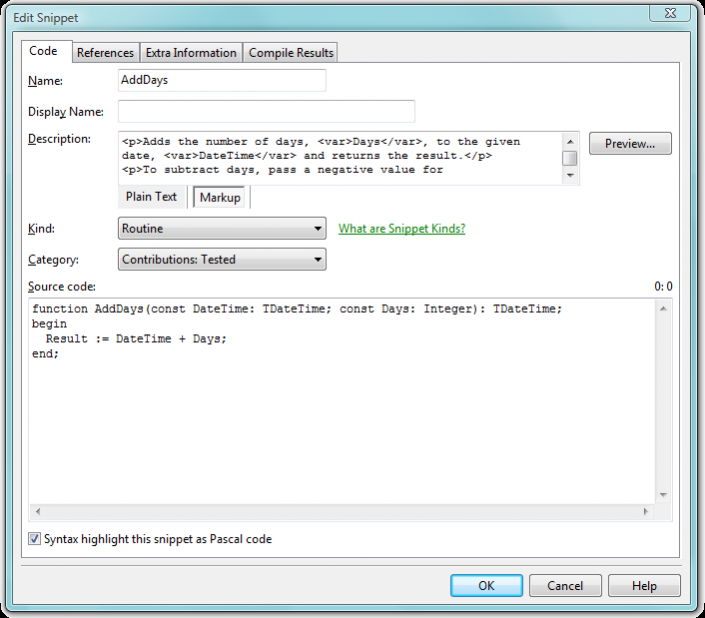
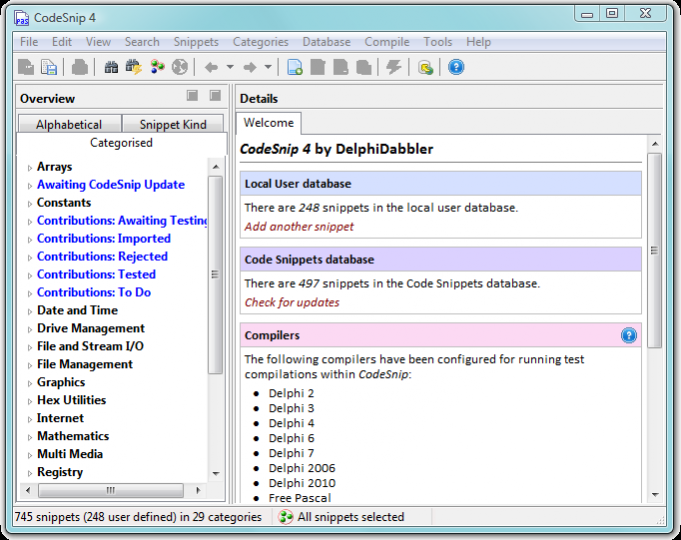
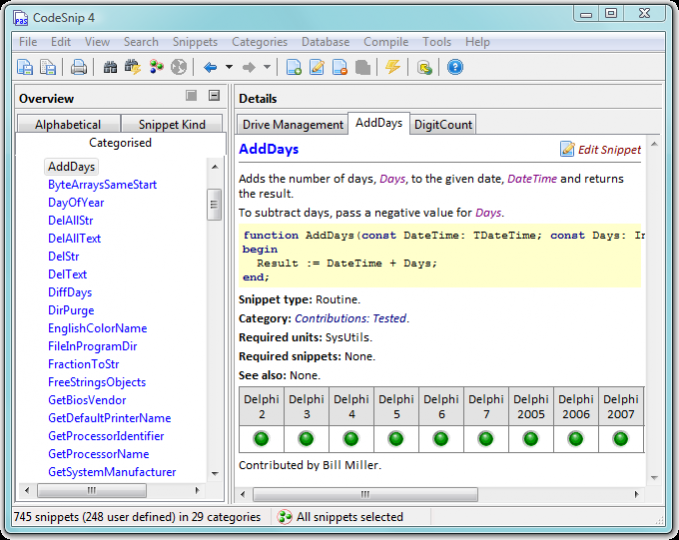
CodeSnip is an open source code bank for storing and viewing code snippets. It not only manages, displays and manipulates your own code snippets but it can also incorporate snippets downloaded from the online DelphiDabbler Code Snippets Database.
> CodeSnip's source code is now developed over on GitHub:
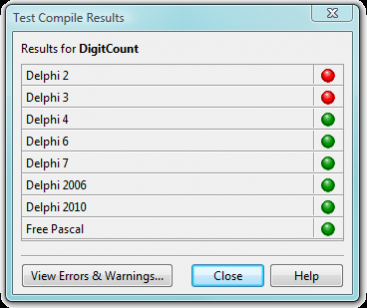
Designed with Pascal code in mind, CodeSnip enables Delphi or Free Pascal code snippets to be test-compiled with any installed Delphi or Free Pascal compiler and results to be reported. Use this feature to validate the syntax of code without switching to your compiler. Compilable Pascal units containing selected snippets can be generated.
Code in other languages can be stored in CodeSnip although the source file generation and compiler checking features will not be available.
Compilable Pascal units of selected snippets can be generated. Selected snippets can also be exported and shared with other CodeSnip users.
- Source code repository
- Delphi and Pascal focus
- Access to online snippets database
- Searchable
- Delphi and Free Pascal code can be test compiled from the program
About CodeSnip
This Components & Libraries program is available in English. It was last updated on 29 September, 2026. CodeSnip is compatible with the following operating systems: Linux, Mac, Windows.
The company that develops CodeSnip is delphidabbler. The latest version released by its developer is 4.20.1. This version was rated by 1 users of our site and has an average rating of 4.0.
The download we have available for CodeSnip has a file size of 2.0 MB. Just click the green Download button above to start the downloading process. The program is listed on our website since 2022-07-01 and was downloaded 76 times. We have already checked if the download link is safe, however for your own protection we recommend that you scan the downloaded software with your antivirus. Your antivirus may detect the CodeSnip as malware if the download link is broken.
How to install CodeSnip on your Windows device:
- Click on the Download button on our website. This will start the download from the website of the developer.
- Once the CodeSnip is downloaded click on it to start the setup process (assuming you are on a desktop computer).
- When the installation is finished you should be able to see and run the program.
Program Details
System requirements
Download information
Pricing
Version History
version 4.20.1
posted on 2022-07-01
version Release-3.8.8
posted on 2011-01-19
Several fixes and updates
